Segment-based timer
Track the day as it really happens.
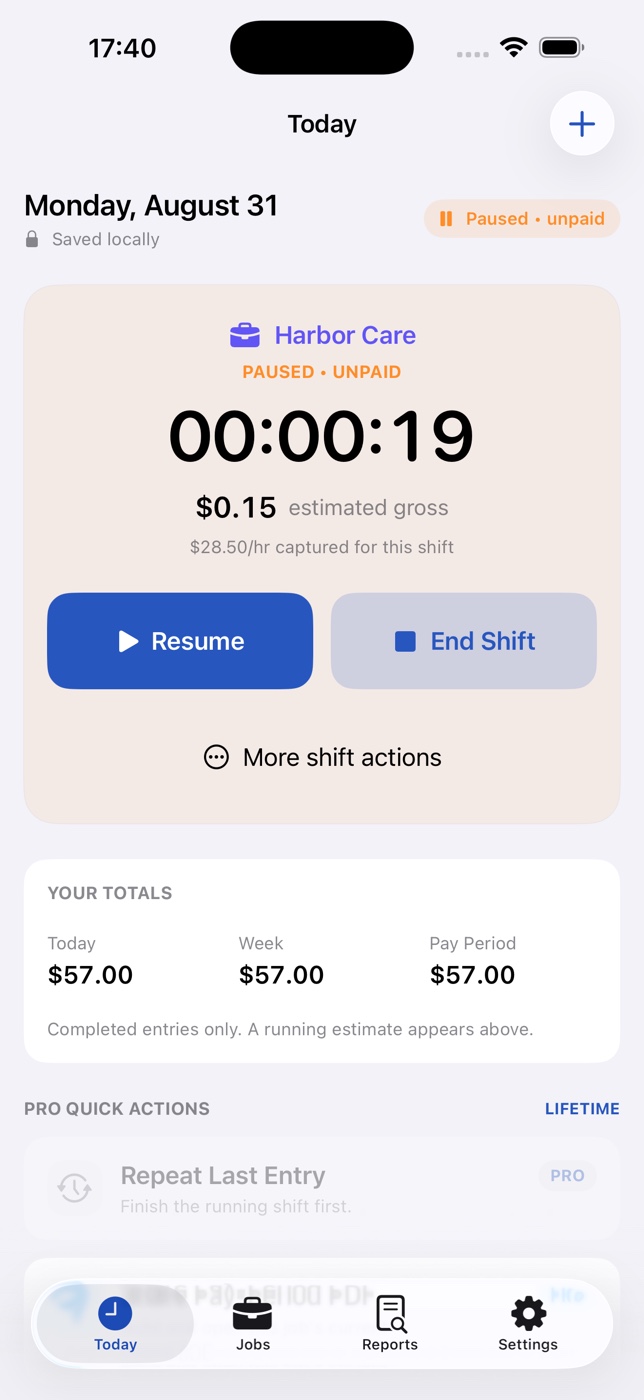
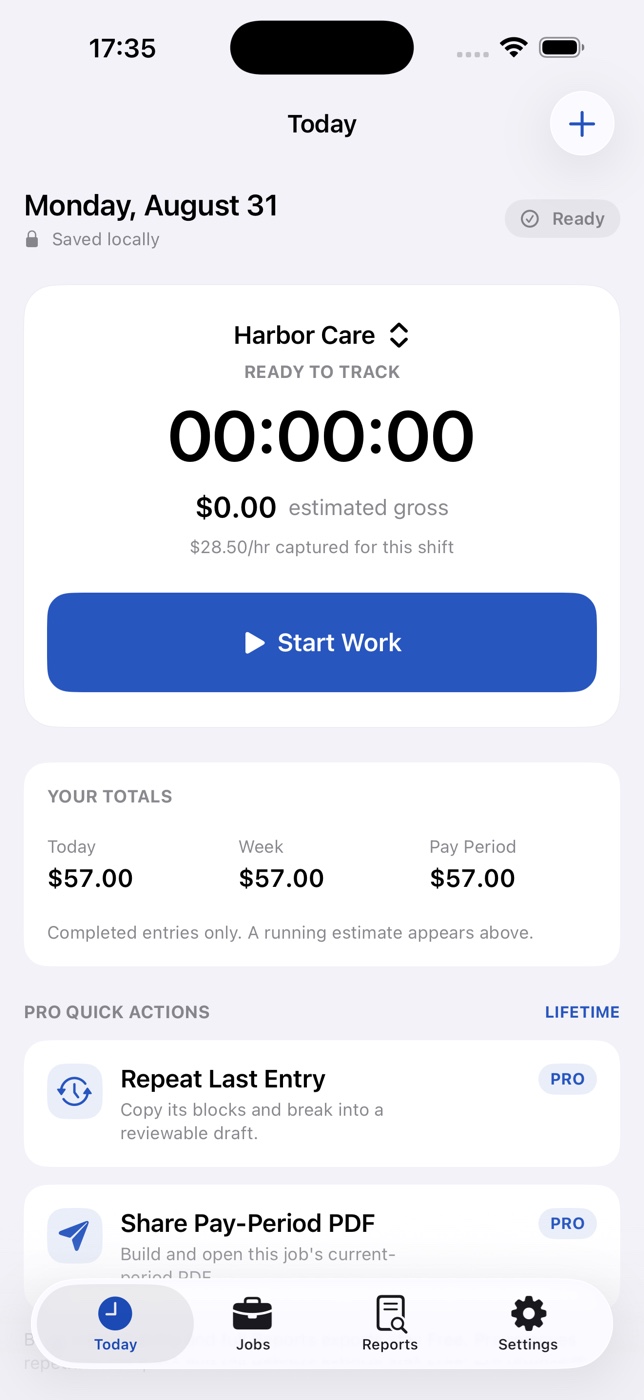
Pause for a break, resume when you return, and keep unpaid gaps out of the estimate without rebuilding the shift later.
 EarnTrace
Track hours, rates, and breaks across every job, then see a clear gross-pay estimate—all without handing over your work data.
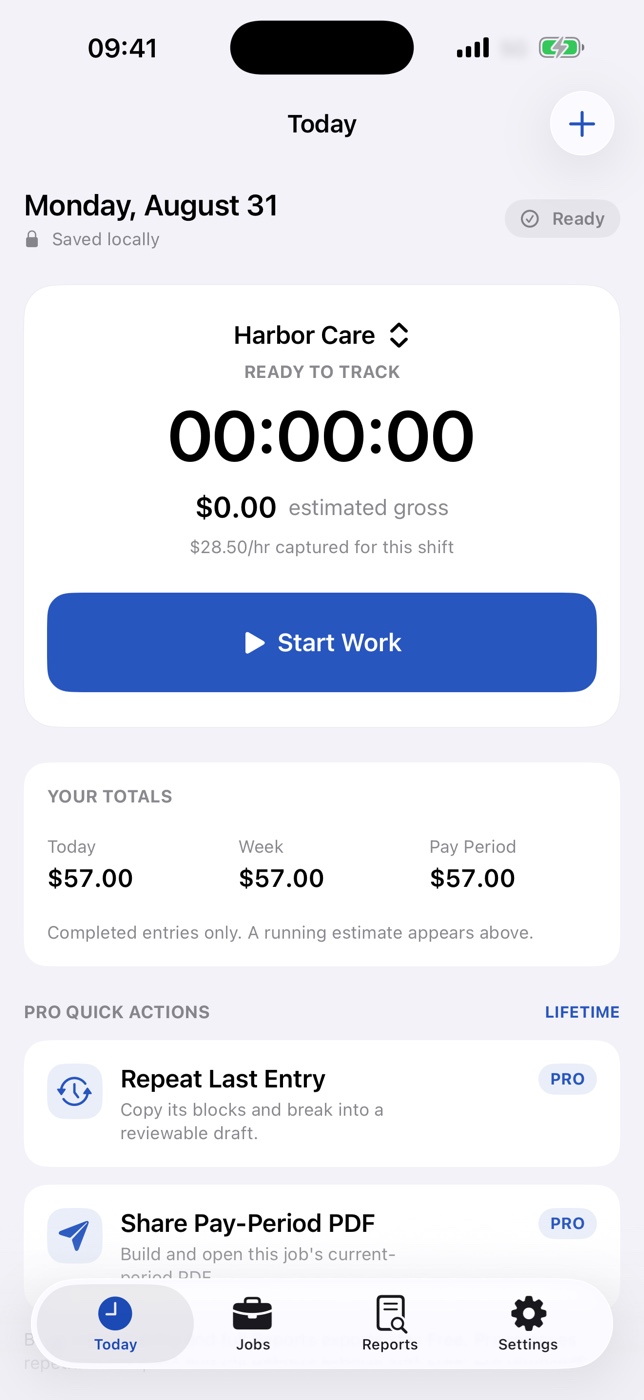
Total weekly or biweekly shifts, subtract unpaid breaks, carry overnight work forward, and estimate gross pay across different jobs and hourly rates.
Calculate work hours freeEarnTrace turns scattered shifts, breaks, rates, and pay periods into a record you can understand before payday arrives.
Pause for a break, resume when you return, and keep unpaid gaps out of the estimate without rebuilding the shift later.
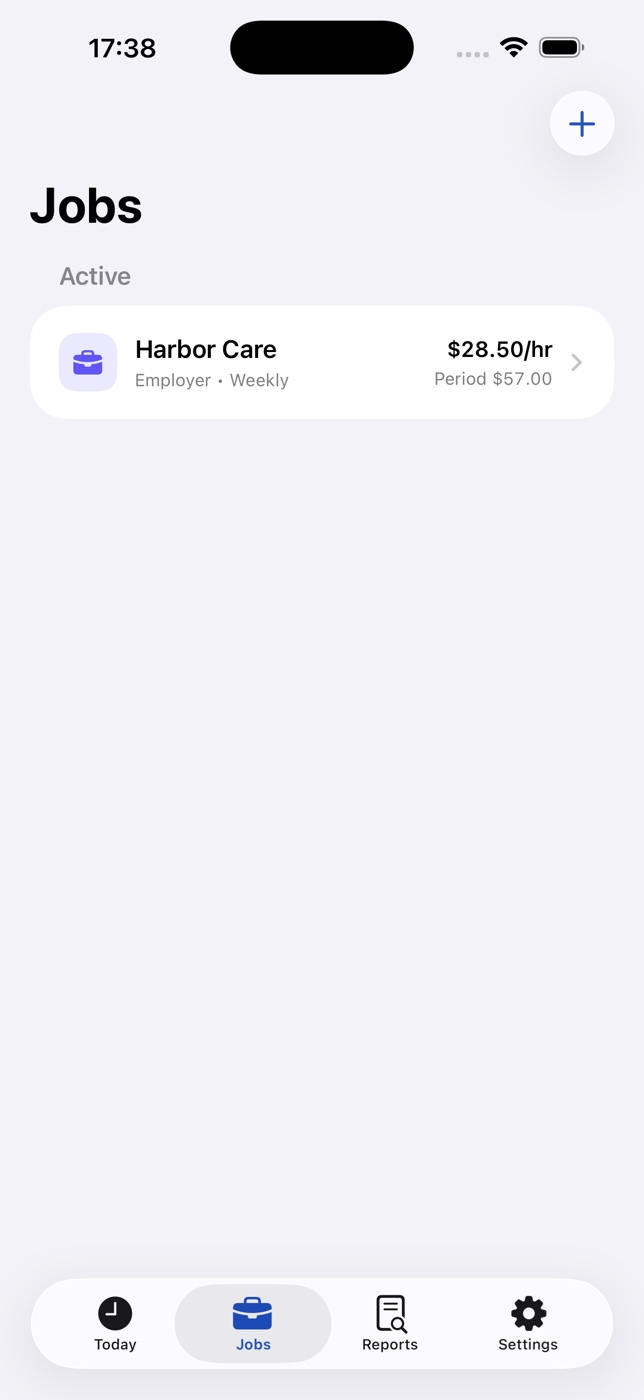
Give each employer or client its own rate history, pay period, timer, and exportable record.
Review hours, time-derived gross, and adjustments together—by job and for the selected range.
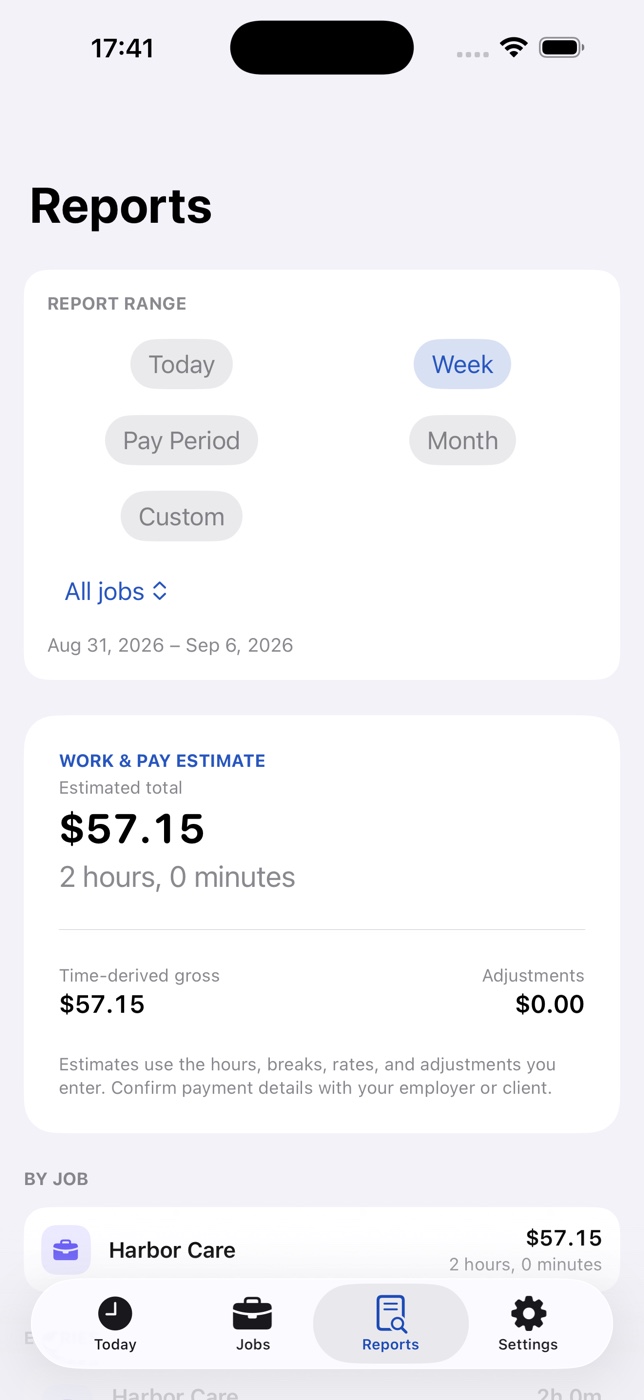
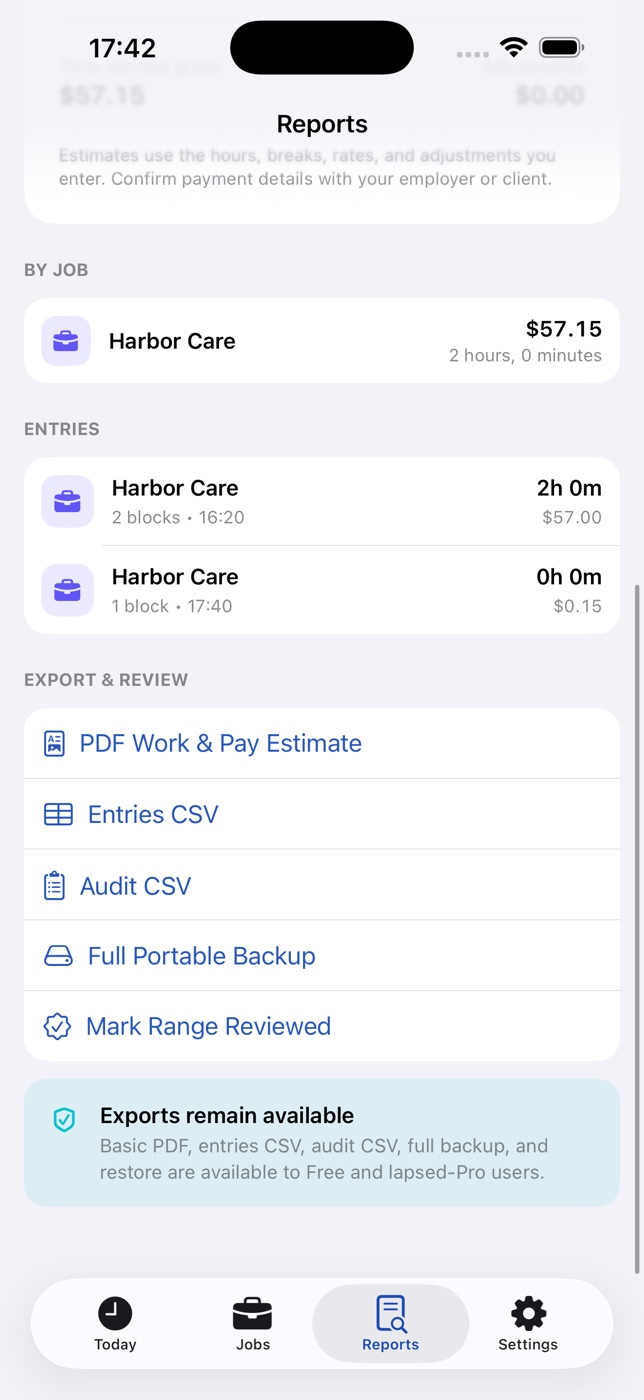
Create polished PDF and CSV files, an audit export, or a full portable backup without sending your work data to EarnTrace.
Run the timer or add a manual entry.
Check hours, rates, breaks, and adjustments.
Export only when and where you choose.
Keep the free core generous, then unlock the shortcuts built for people juggling more jobs or repeating the same work week.
Free trial for eligible users. Renews yearly until canceled.
One payment. Keep Pro forever.
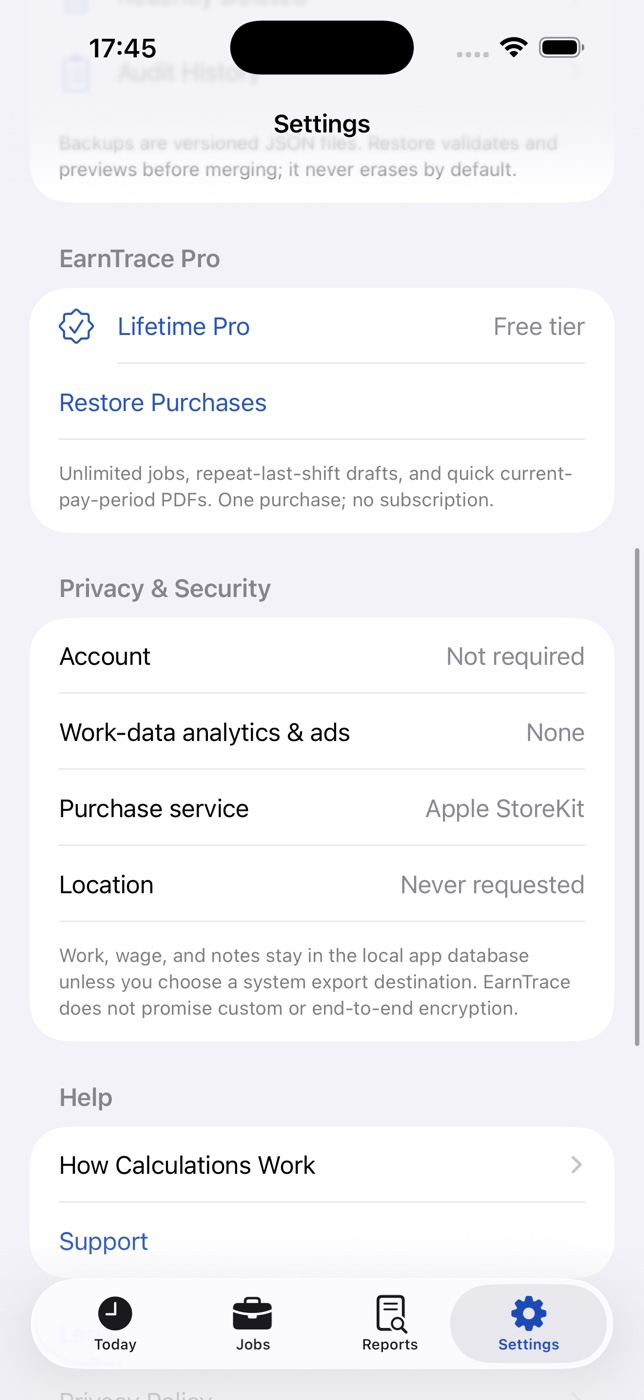
EarnTrace does not require an account or operate a work-data backend. Your records stay in the app container until you choose to export or back them up.
Need a troubleshooting guide or purchase help? Visit the full support page.
Open SupportNo. EarnTrace is designed to work without an account. Your jobs, rates, work blocks, notes, and estimates stay in the app container on your iPhone unless you choose to export them.
No. EarnTrace creates estimated gross pay from the hours, breaks, rates, and adjustments you enter. It does not calculate taxes or net pay, verify employer records, or provide legal or payroll advice.
Yes. Every job can have its own rate history, pay-period settings, timer, entries, adjustments, and exports. Free includes two tracking-enabled active jobs; EarnTrace Pro removes that limit.
EarnTrace records work in segments. Time between Pause and Resume stays outside the paid-time estimate, so a long break does not inflate the result.
Annual Pro and Lifetime Pro unlock the same time-saving features: unlimited active jobs, Repeat Last Entry as an editable draft, and a quick current-pay-period PDF action from Today. In the US, Annual Pro is $14.99 per year with a 7-day free trial for eligible users; Lifetime Pro is a one-time $24.99 purchase.
Yes. You can create PDF and CSV exports and a portable backup. You choose where each file goes through the iOS share or file interface.
Start with the private core for free. Choose Annual Pro or Lifetime Pro when the time-saving shortcuts become worth it.